

Room to pace yourself
For travelers who need calmer, more predictable trips, with more details to check and space to plan around personal needs.
Travel as yourself.
Plan trips around what you need and who you are, with sources and dates you can check.
Coming soon to iPhone
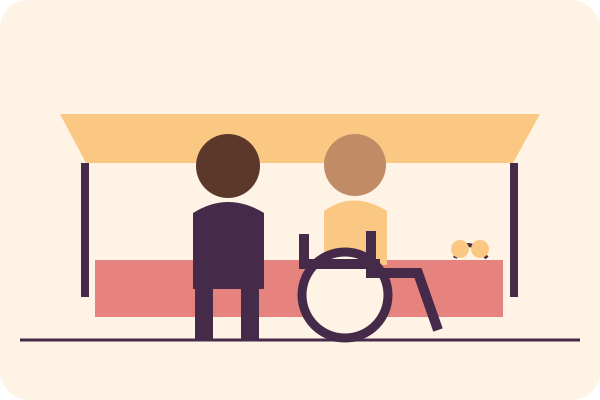
Traveler illustration placeholder
01 / A little more room for you
Choose what matters for this trip. Explore hand-checked places and make a day-by-day plan, with useful questions to confirm before you go.
Optional choices, kept on your phone. Pick what matters now and clear it when you want.
Source and date checked on every place. Missing information is shown as unknown.
A day-by-day itinerary and a confirm-before-you-go checklist.
A guide, not a guarantee. Confirm details with the venue.
02 / One app, shared choices
For travelers who need calmer, more predictable trips, with more details to check and space to plan around personal needs.
For travelers who want culturally rooted trips that honor their identity, with interests and source-supported cultural details to explore.
Everyone uses the same app and the same optional profile.
03 / Around the table
My Dining Fit is being developed to learn from your own notes, on your phone only. It will explain its order using what the source says and what you have recorded.
Evidence card · layout example
Confirm seating, lighting, current hours, wait time and food needs before you go.
Add time to rest around a meal. A break is your plan for time, not a claim about a location.
Use private visit notes to help order eligible places, with plain reasons and controls you can turn off.
04 / Time between the moments
Planned featuresAdjust the time between stops to suit your day.
Choose fewer stops and longer breaks while keeping your original plan.
Take a simple day summary with questions, sources and dates. Personal notes stay out by default.
05 / Places on the roadmap
These are the planned US launch cities. A city appears once it has enough hand-checked places. This list does not mean every city or venue is available.
06 / On your device
Your profile, plans and notes stay on your device. No account needed. We do not sell your data.
Notes are a planned feature. The currency tool downloads public exchange rates; it sends no profile, plans, notes or calculator amounts. Like other web requests, the request exposes an IP address to the service.
Read the draft privacy policyThe core is planned to be free. Paid options may come later. No purchases are available in the prototype.
No. The app uses your device for your profile and saved choices.
Places are hand-checked from public sources, with source links and checked dates. Unknown details are shown plainly.
No. Conditions and information can change. Confirm the details you rely on with the venue before you go.
Use the contact email below or the app’s optional email draft. Include the city, venue and source link. Please leave out personal details.
07 / A note goes a long way
Suggest a city, report a changed detail or ask for help. Email opens a draft in your mail app; you choose whether to send it.
Contact support